







Hosted
Use our service
Download and go. Sign in with an enterprise account; updates are automatic.
A desktop Agent workbench for Windows. Sign in with an enterprise account, split up the work, and review every change.
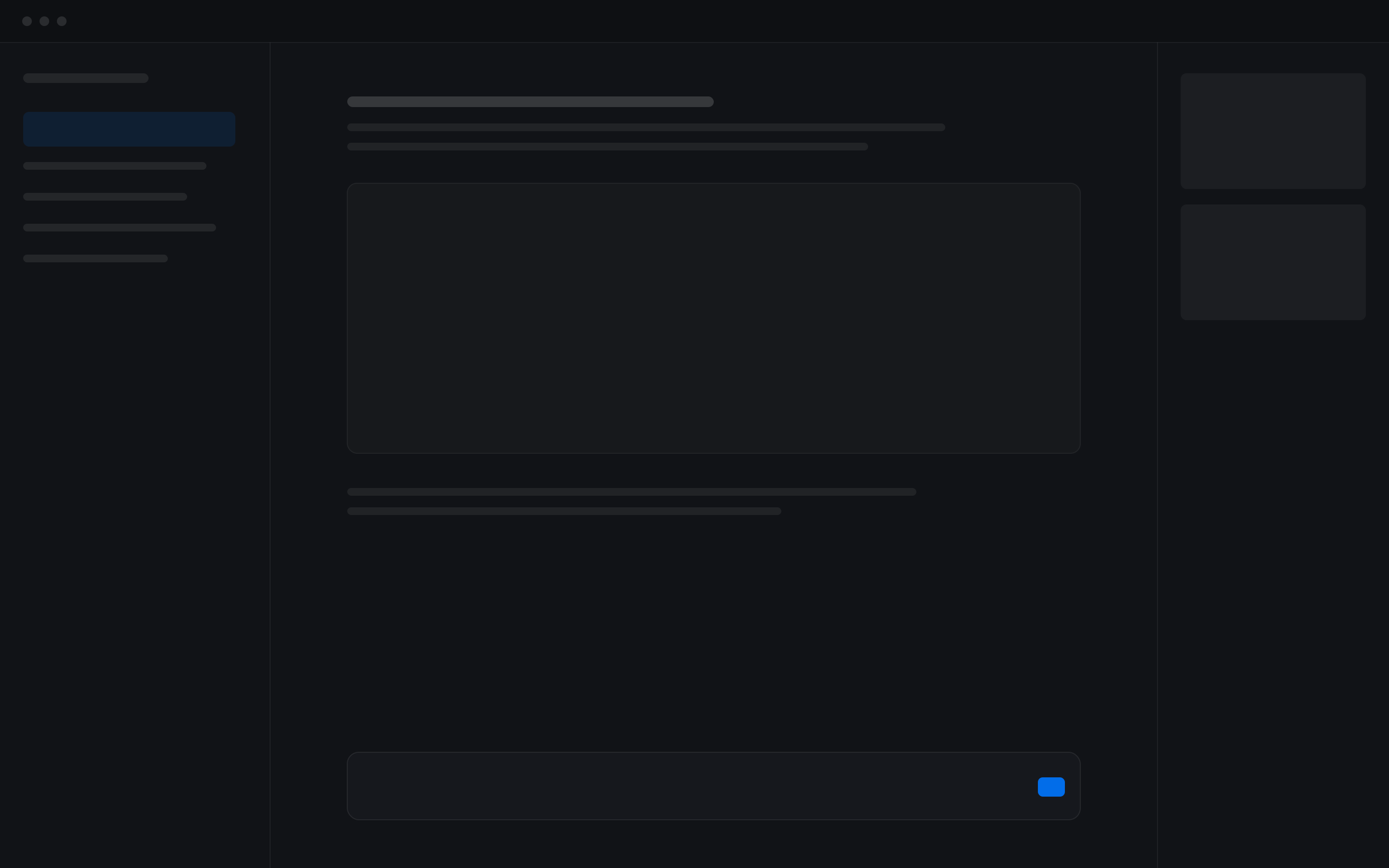
Files, chat and editor side by side, with the Agent reading and writing your project directly. Focus mode watches the screen and terminal and handles errors on its own.
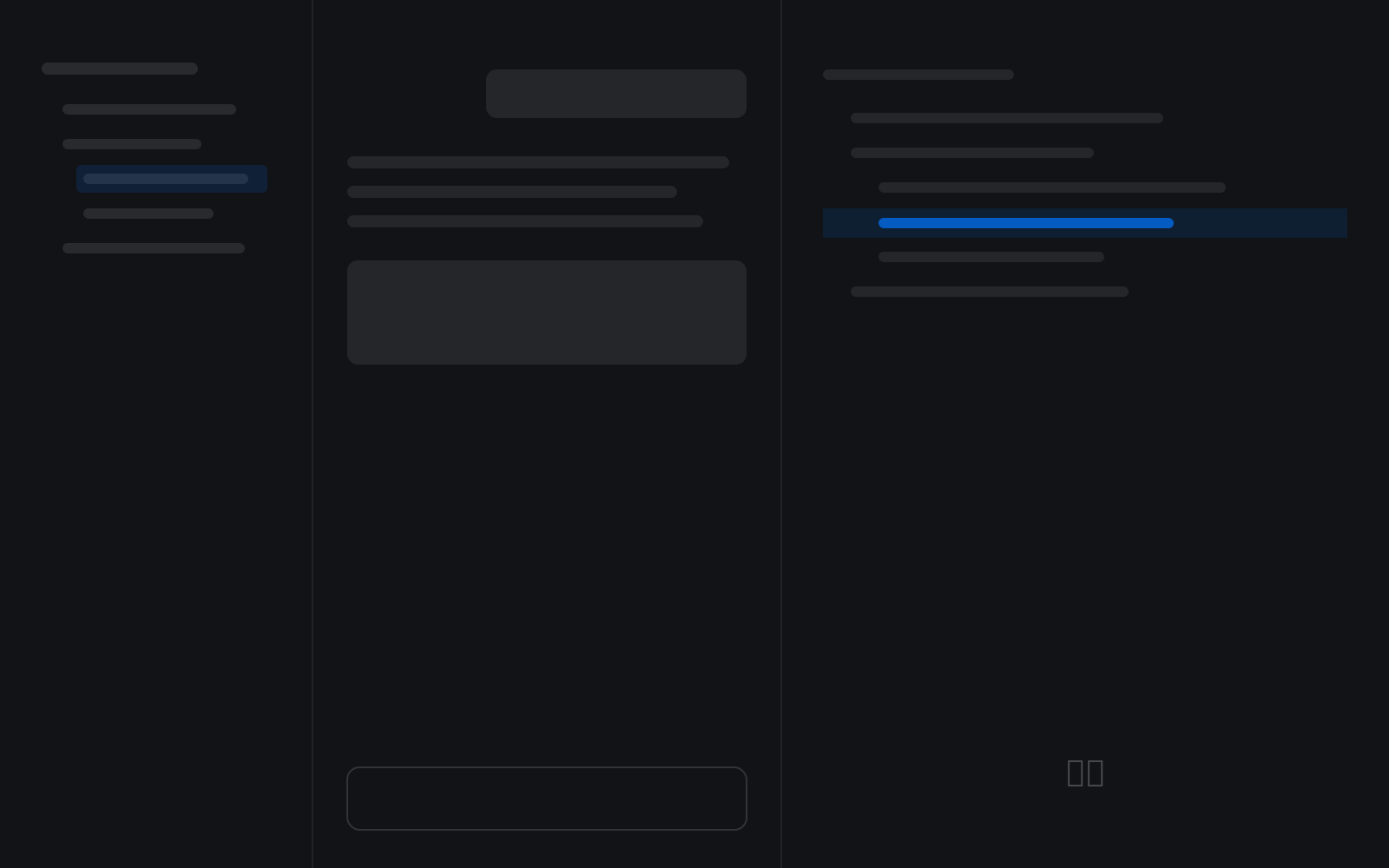
Subagents work in the background on isolated Sandbox branches. Review changes one by one, or Undo a whole batch.
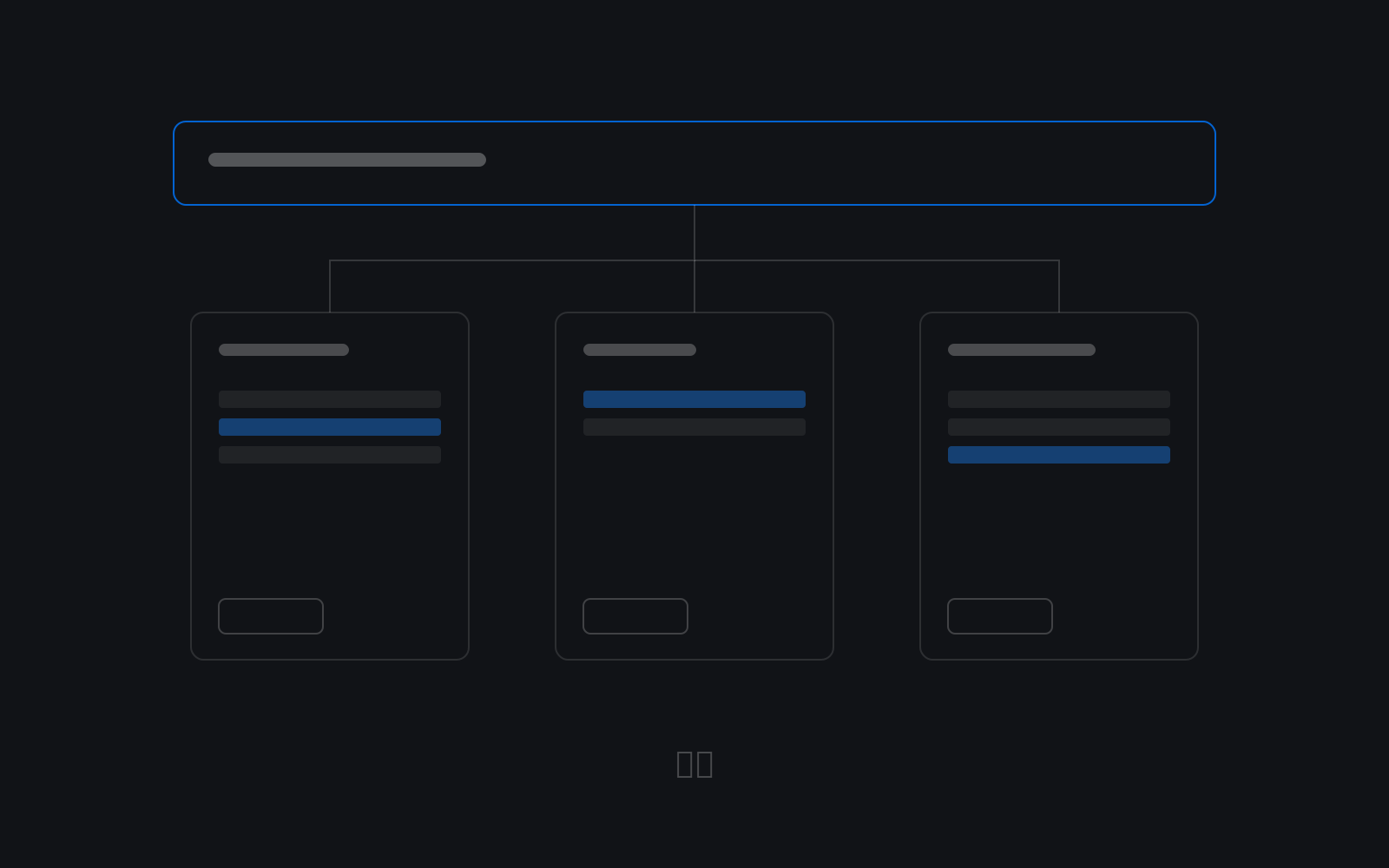
Build an AI team: the Lead breaks down and assigns work, Members carry it out, and you review it on the Board.
The Agent searches both local and enterprise cloud Knowledge bases. Install Skills from the Ability Center and publish them to a department or the whole enterprise.
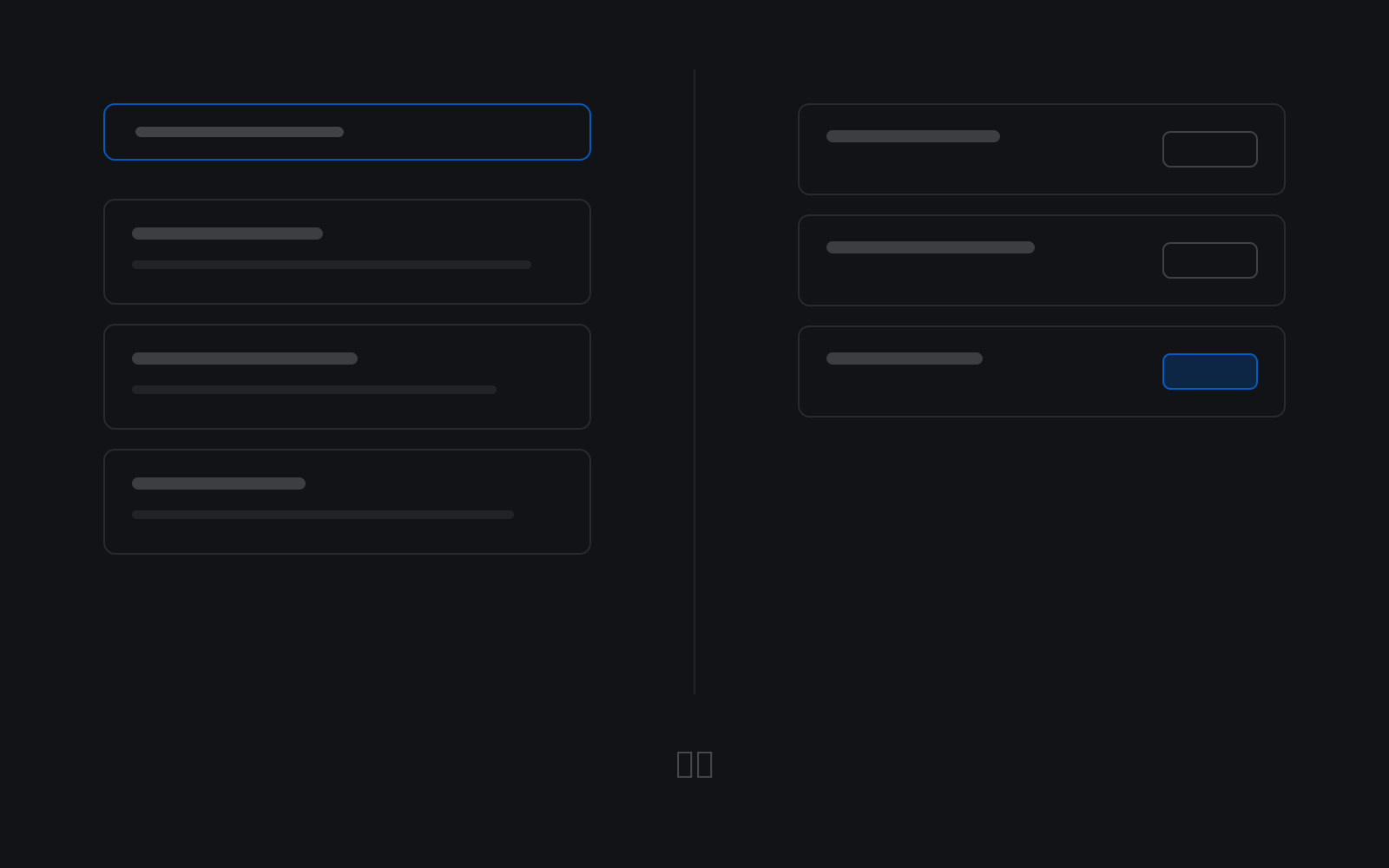
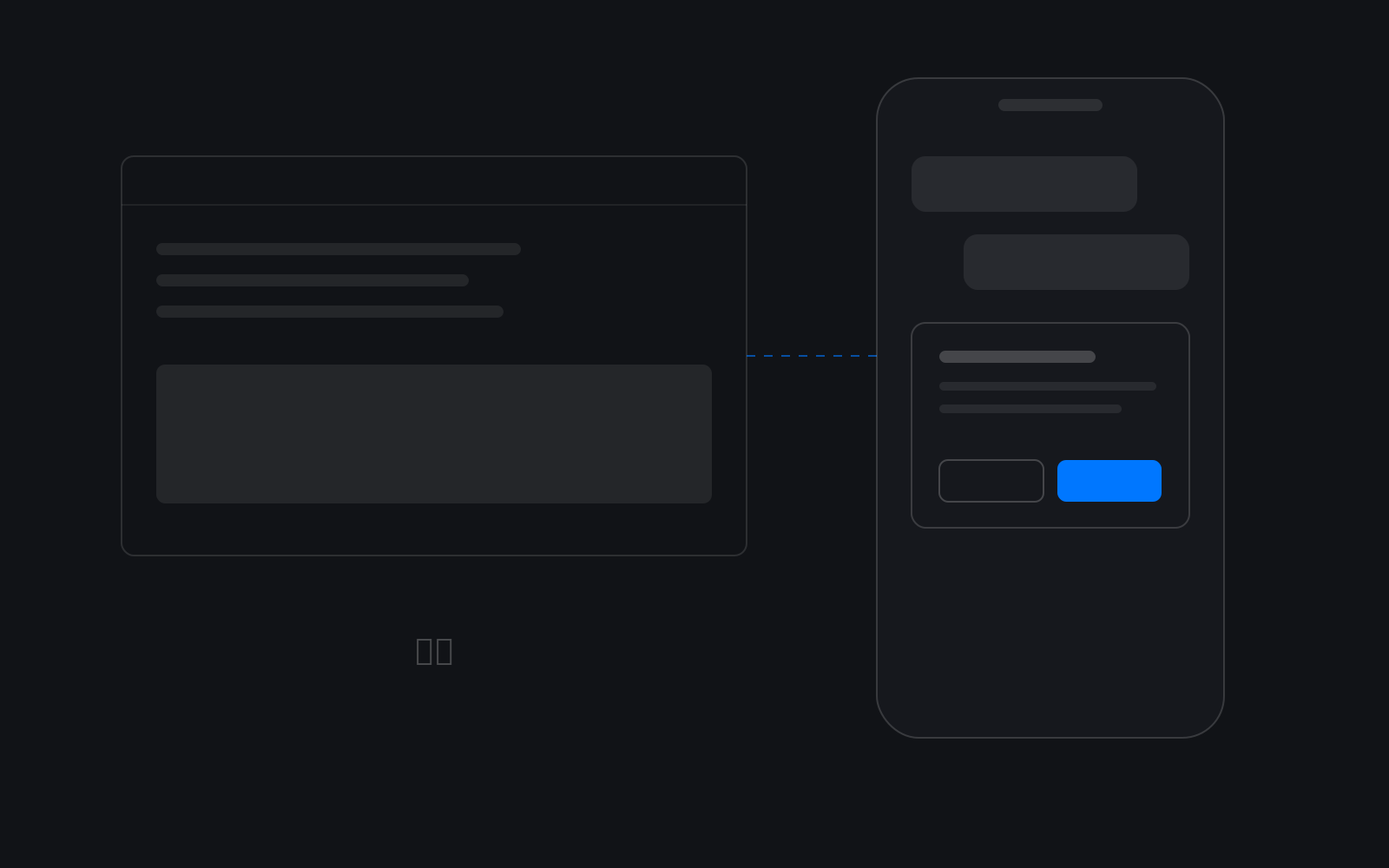
Direct the Agent on your computer from Lark, DingTalk or Telegram. Results are pushed to your phone, and you approve high-risk actions there.
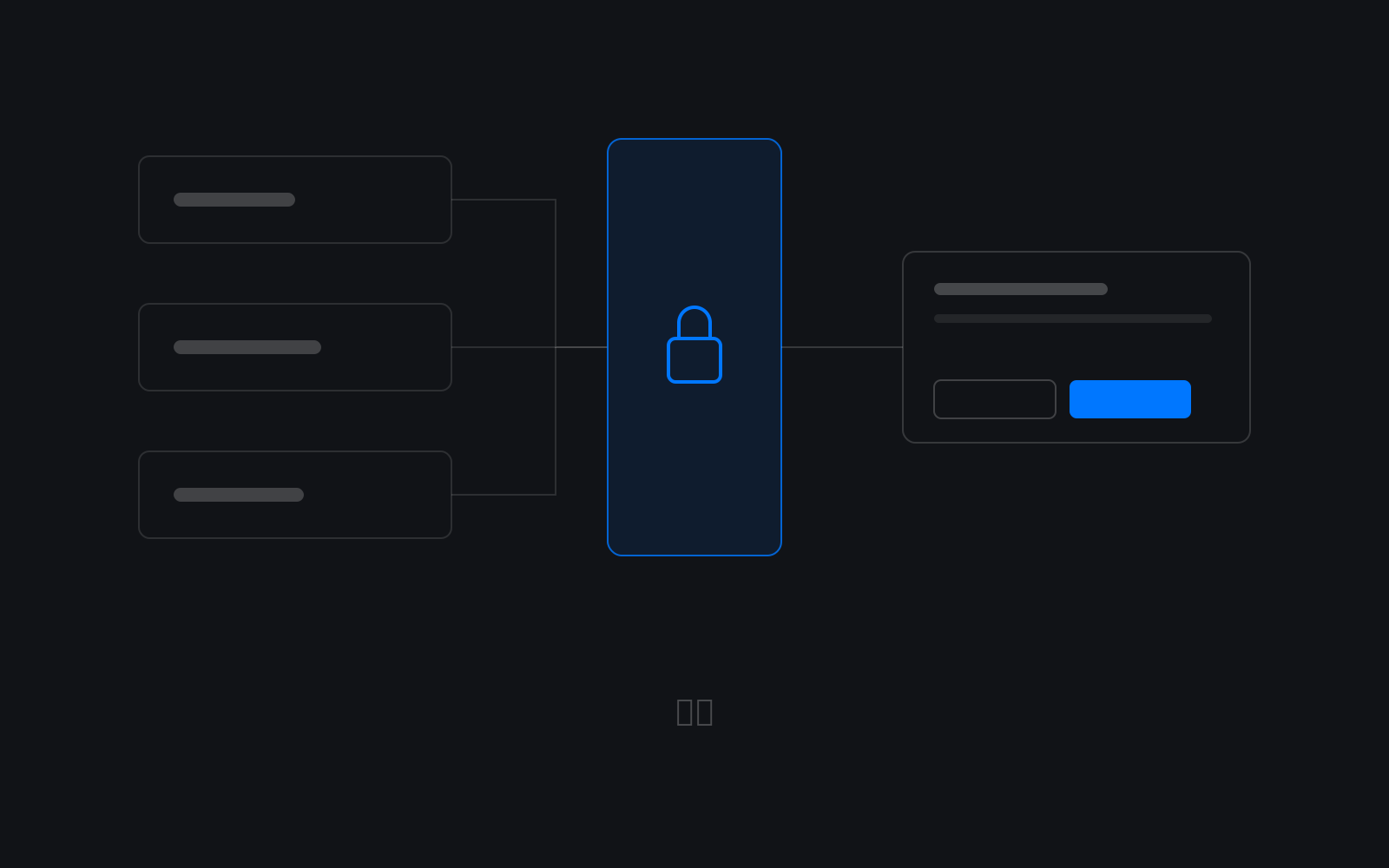
File, command and browser actions all pass through a Rust security gateway. Secrets stay in the system keychain, and every high-risk action needs confirmation.
Use our service, deploy on your own servers, or wait for the Community edition to try it out.
Hosted
Download and go. Sign in with an enterprise account; updates are automatic.
Self-hosted deployment
Deploy on your own servers or intranet. Data never leaves your domain.
Community Coming soon
For small teams and independent developers who want to get started.
| Comparison | Use our service | Self-hosted deployment | Community edition |
|---|---|---|---|
| Data storage | Your computer + our cloud | Your own servers or intranet | Your own computer or server |
| Model access | Through our cloud proxy | Through your self-hosted server | Bring your own models and keys |
| Updates | Automatic client updates | Distributed by your enterprise | TBD |
| Accounts | StablEdge enterprise accounts | Your self-hosted account service | TBD |
| Best for | Teams that want to start right away | Enterprises with data compliance requirements | Small teams and independent developers |
An enterprise account. To use our service, register your enterprise on the web, then sign in to the desktop app with that account.
StablEdge runs on Windows PCs today; other platforms are coming soon. Linux is not supported yet.
Project files stay on your computer, secrets stay in the system keychain, and model calls go through our cloud proxy. With a self-hosted deployment, data never leaves your enterprise domain.
Reach us on WeChat at GzmGabriel. We'll propose a deployment plan for your environment and assign a dedicated engineer.